Tradebot
The Nexus Tradebot automates balance management across your exchange, hot wallet, and cold store reserves. The right configuration depends on your business model — select one below.
NOTE
The Tradebot is a production-ready implementation built on APIs available to every client. If you require additional customization or alternative directives, you can build your own automation using the same APIs.
NOTE
Fiat values in Tradebot settings and calculations use the client's configured base currency. EUR is used as an example in this documentation, but is not required.
Access path
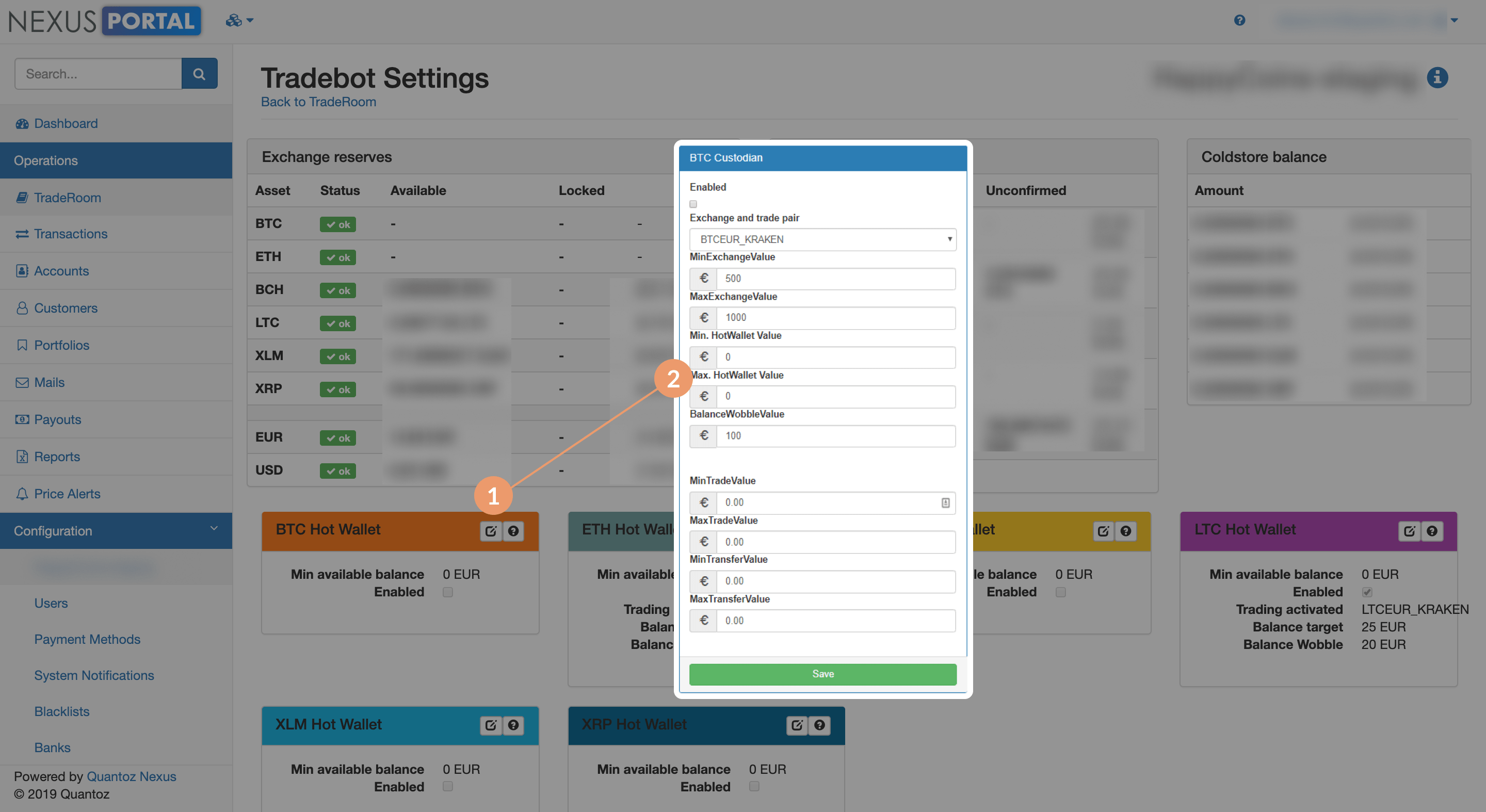
To access the Tradebot, navigate to the Traderoom and click Tradebot settings.
Broker model
Broker model: on-chain customer wallets and price-risk minimisation
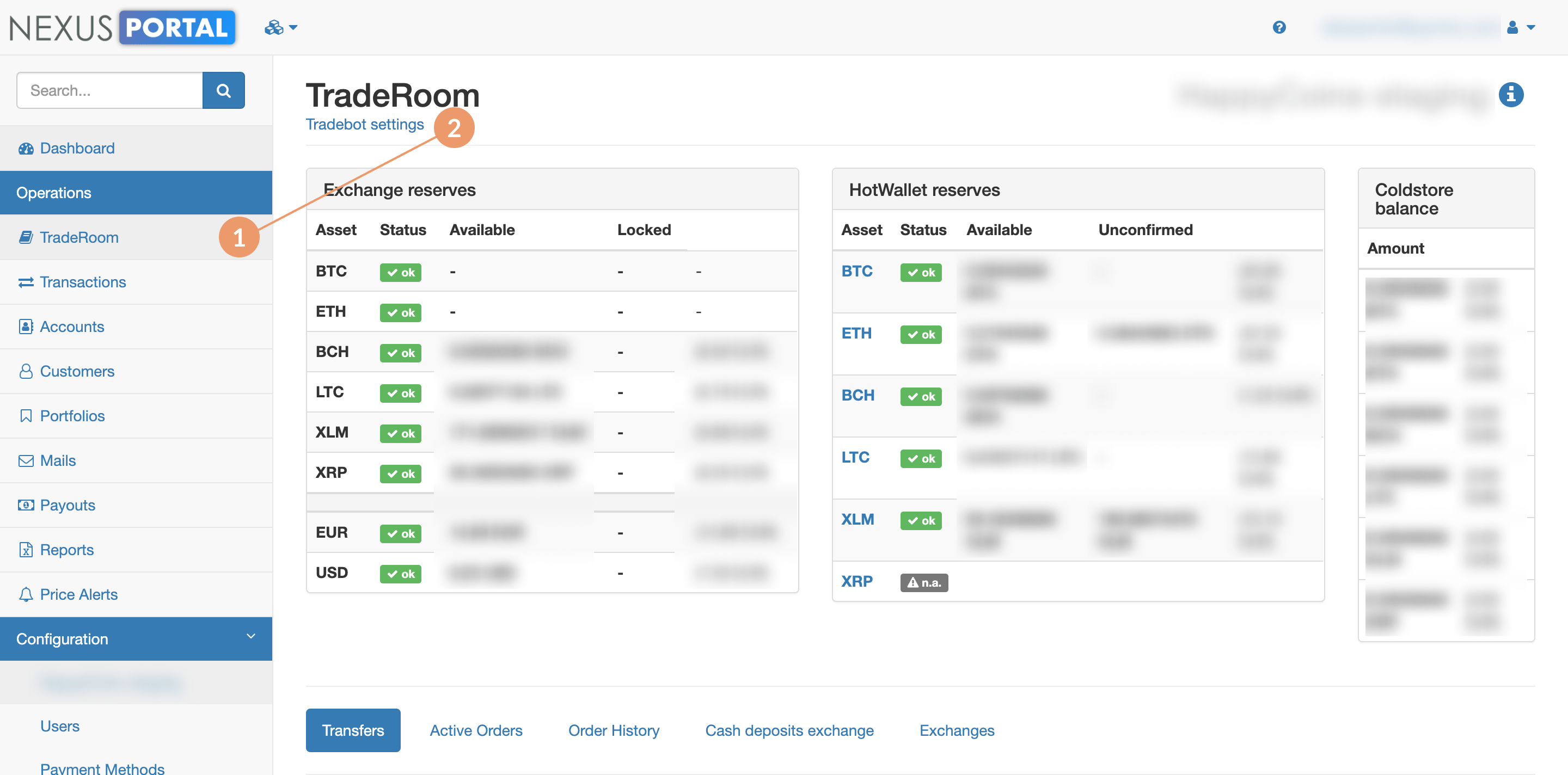
Customers buy and sell crypto via on-chain transactions to their own private wallet. The Tradebot minimises price risk by keeping the hot wallet reserve near a configured target, trading on the exchange to replenish or drain it as needed.
Custodian model
Custodian model: custody balance matching and counterparty-risk controls
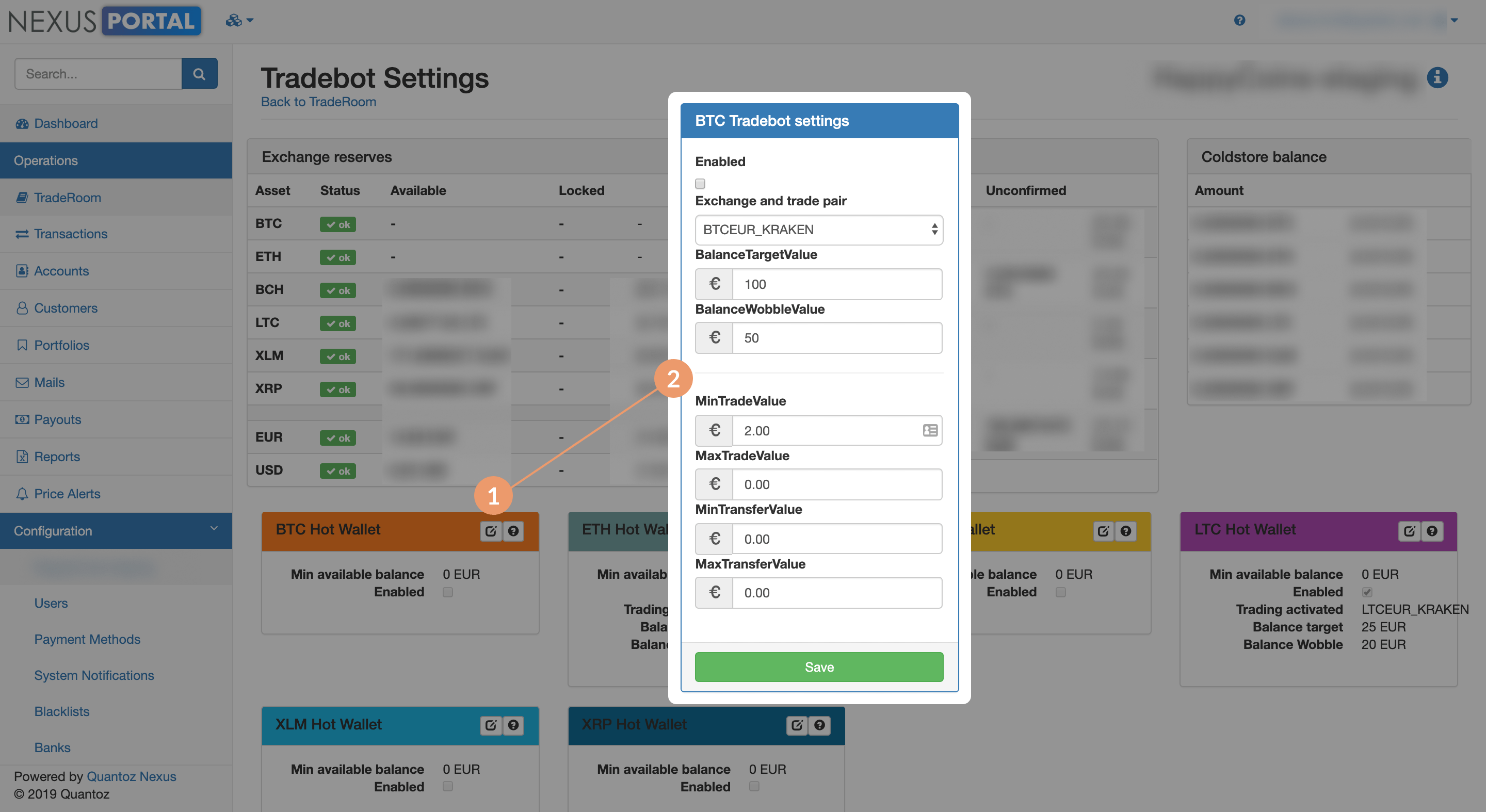
Crypto is held in custody on behalf of customers. The Tradebot keeps the total physical reserve (exchange + hot wallet + cold store) closely matched to the custodian balance, while limiting counterparty risk exposure on the exchange.
Go to Tradebot — Custodian model