Sample applications
Nexus broker
IMPORTANT
This sample application is a proof of concept to start your development, and should not be used for production purposes, since some changes are required to turn it into a safe production-ready service.
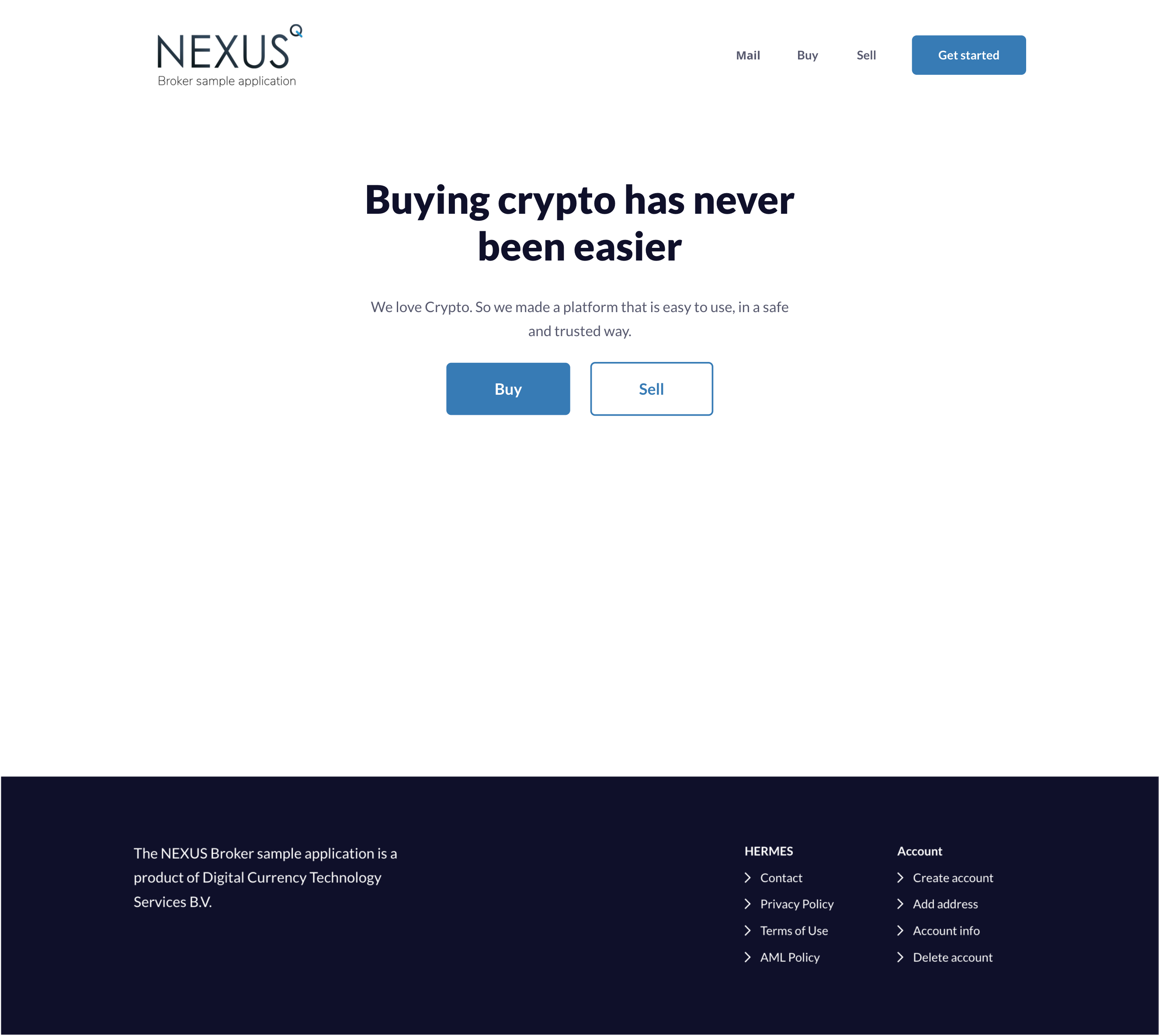
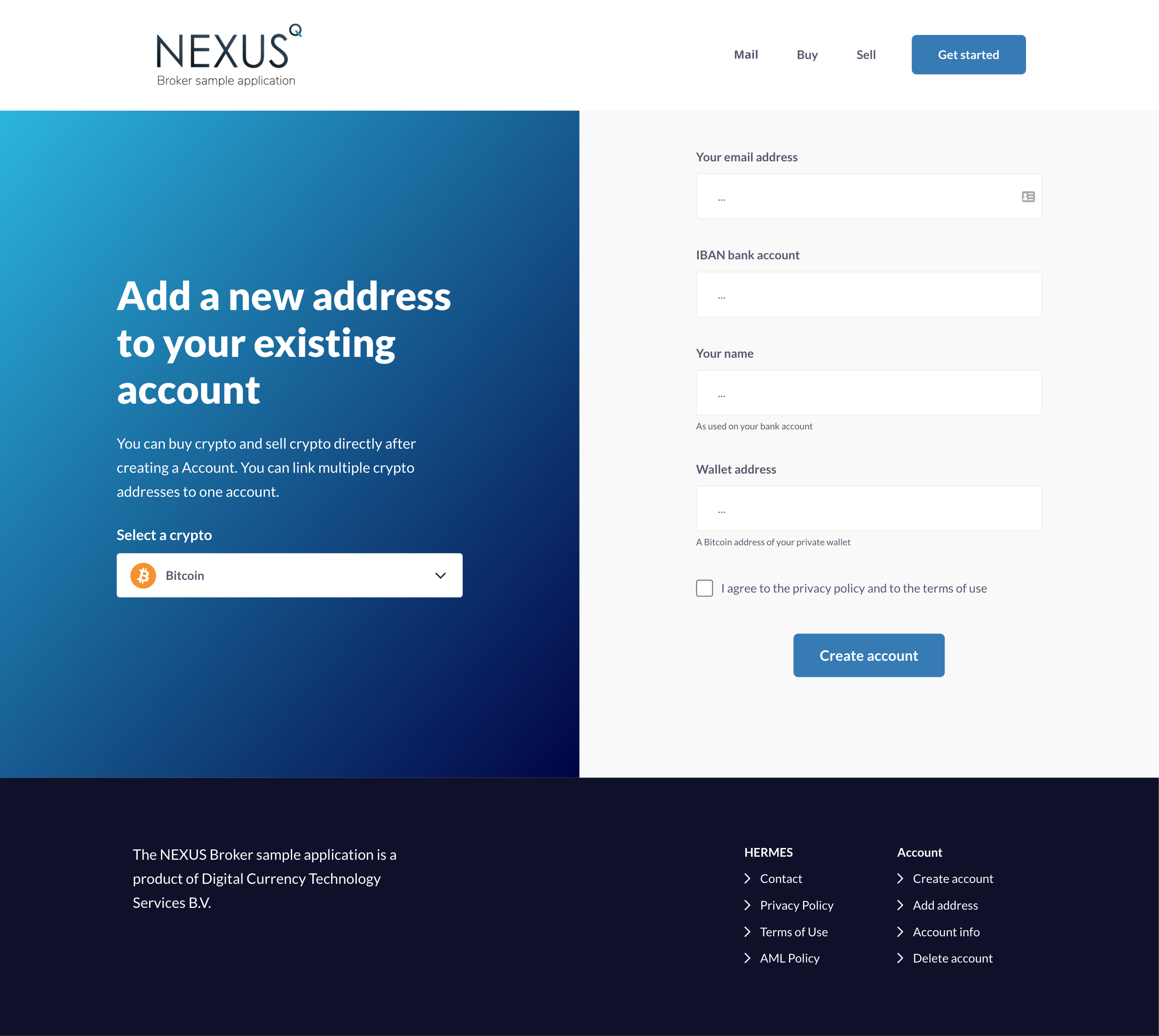
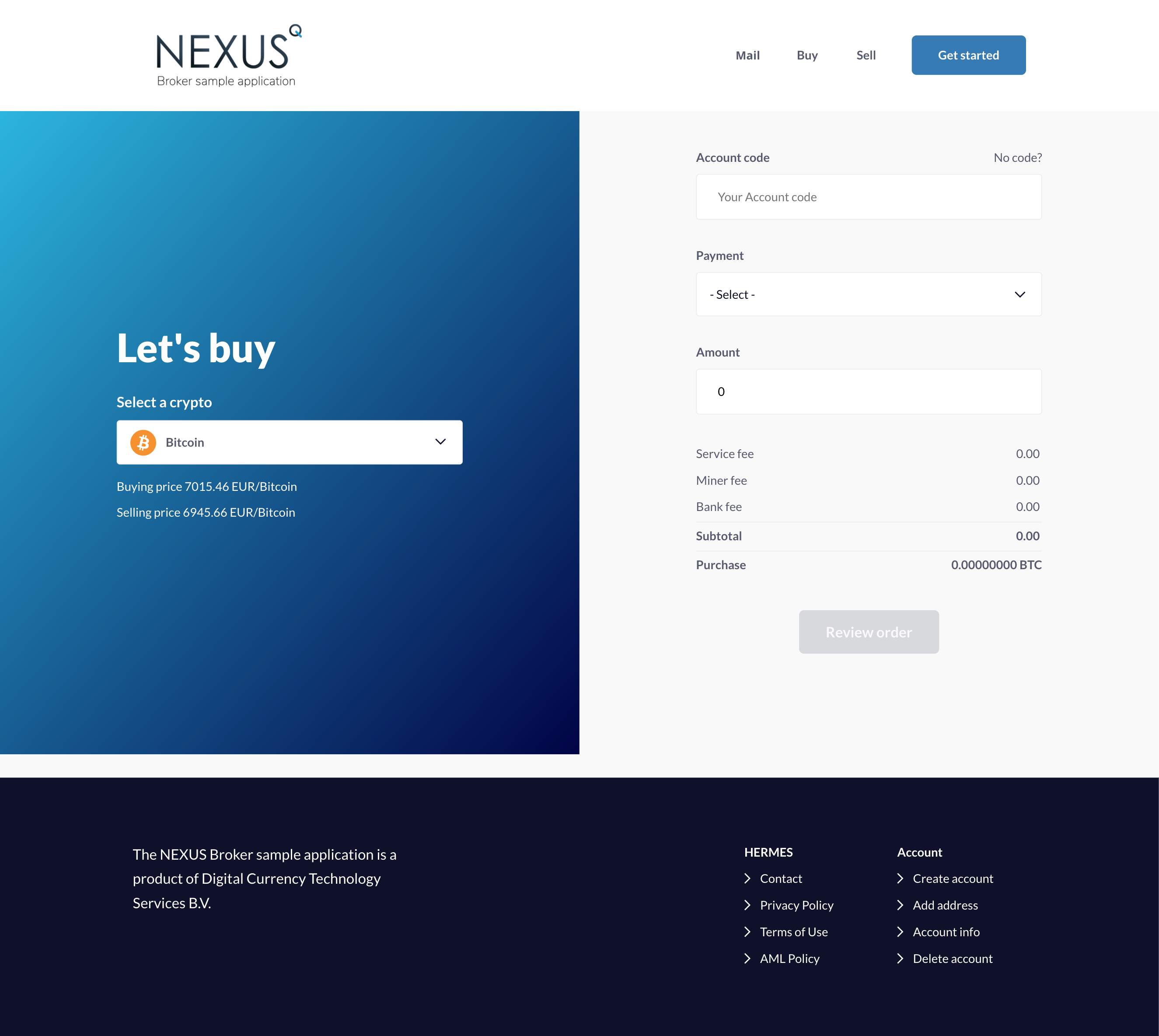
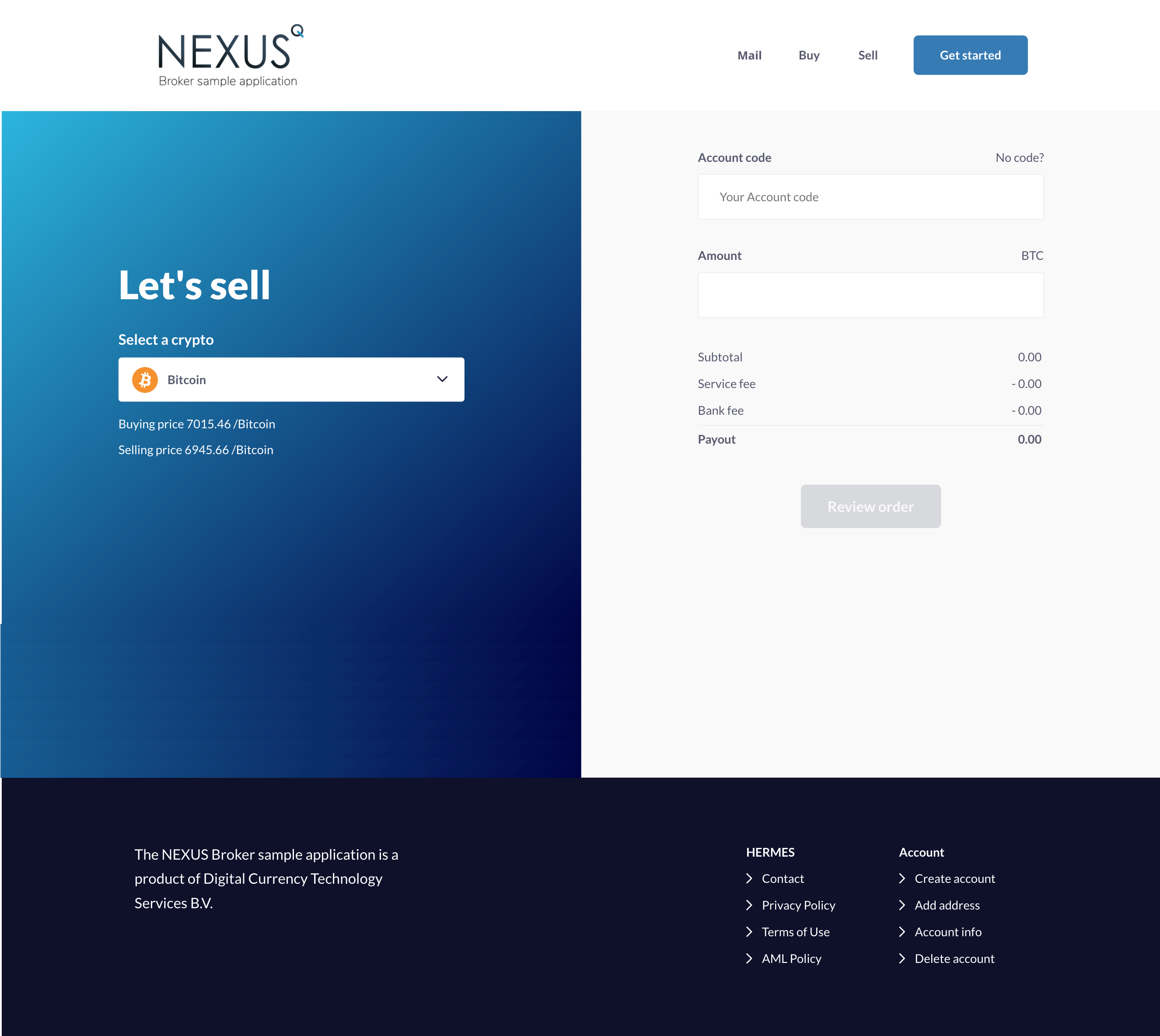
To help you get started efficiently, we prepared a sample C# application that you can use to bootstrap development. The app includes a simplified model of common broker platform features, such as customer creation, account management, and buy/sell operations (assuming manual bank transfers for payments).
This application is a customer-facing frontend that connects directly to the Nexus API to perform the operations available in its interface. On the administrative side, operators who need to analyze usage data can log in to the Nexus portal with their assigned accounts.
NOTE
For security and privacy reasons, add confirmation emails for account creation, whitelisting additional addresses, and account deletion. Currently there is no second confirmation method on the customer side, so you should consider adding one.
You can find the source code for the sample application on our GitHub repository.
Further customization
Privacy concerns
In the sample app, customer details are stored in Nexus. Depending on your privacy requirements, you can replace this with a local database for sensitive data and only share an anonymous customer reference code with Nexus.
Instant payment methods support
Instant payment methods can be added to the sample application, enabling full automation of buy transactions and near-instant crypto delivery. To achieve this, use appropriate payment methods in Nexus and integrate payment processor callback functionality in the sample app to create and update Nexus transactions.
Mail Support
Nexus also provides the functionality to manage and store email communication with customers. If the Mail feature is enabled, mails are available in the Nexus portal for Operators, Compliance, and Support roles.
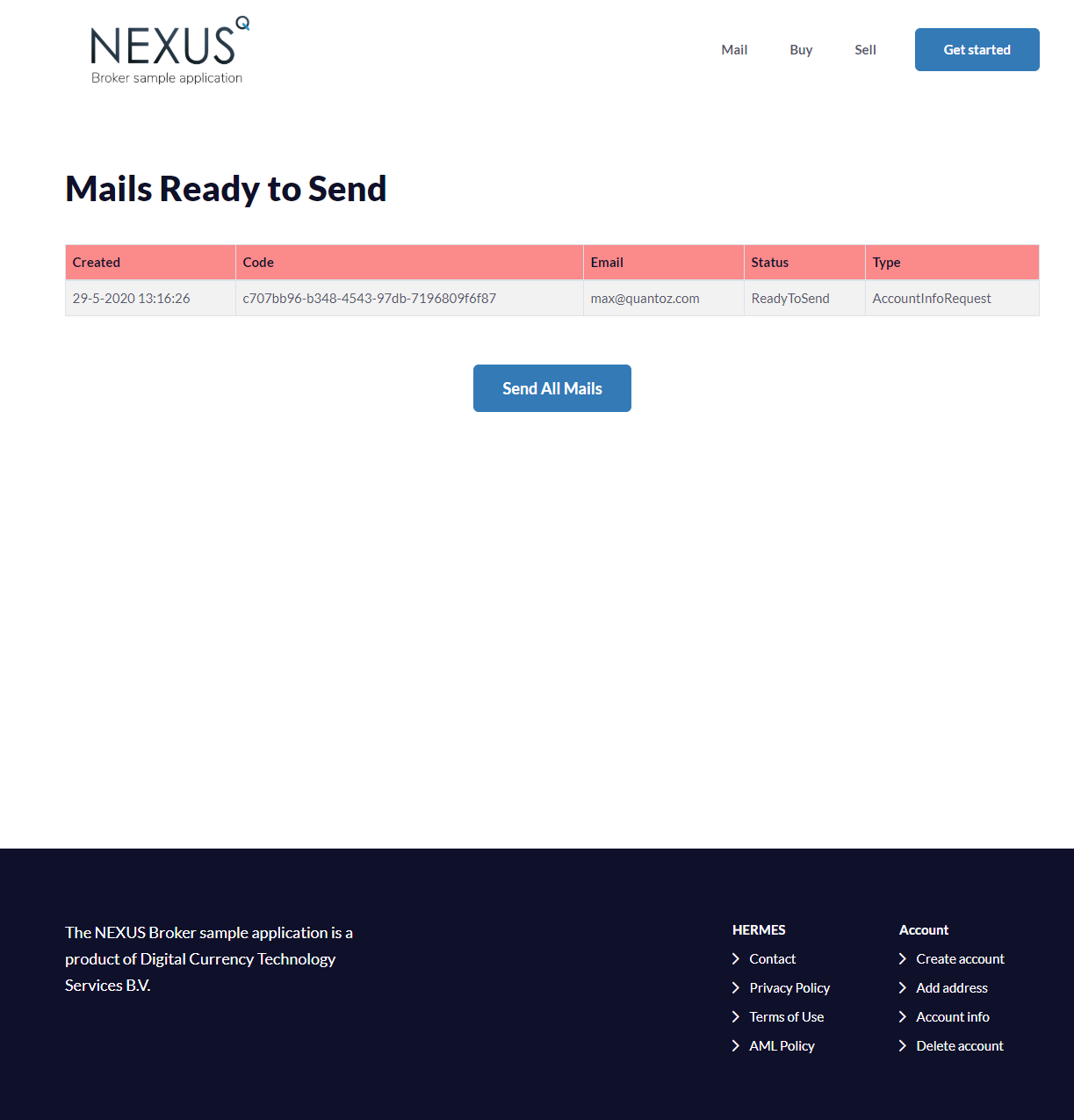
A new mail can be created by Nexus internally or through the client application using the POST endpoint. Its initial status is ReadyToSend, meaning the mail record exists in Nexus but has not yet been sent.
In the client application, a scheduled process should fetch all ReadyToSend emails via the GET endpoint. This process connects to the client mail server and sends the emails. After successful delivery, update each mail to Sent in Nexus using the PUT endpoint. Optionally, the email subject and body can be updated using PUT.
An exemplary implementation of the mail system is included in the sample application, supporting the following mail types:
| MailType | Created By | Description |
|---|---|---|
| NewAccountRequested | Sample App | Sample App creates a mail with this type when a new Account is created. This mail contains the activation link that is required to activate the newly created Account. |
| NewAccountActivated | Sample App | Sample App creates a mail with this type when the Account has been activated. |
| AccountDeletedByRequest | Sample App | Sample App creates a mail with this type when the Account has been deleted. |
| AccountInfoRequest | Sample App | Sample App creates a mail with this type when the Customer requests to their Account information. |
| TrustLevelUpdated | Nexus | Nexus creates a mail of this type when a customer's trust level is automatically updated. |
| TransactionBuyFinish | Nexus | Nexus creates a mail of this type when a buy transaction is successfully completed and the crypto has been sent to the customer. |