Custodian model configuration
Configuration for the Custodian model in Nexus is largely similar to the Broker model. This page guides you through the initial setup.
Basic configuration
The initial settings are defined during onboarding, with Quantoz consultants supporting your administrators to find the optimal configuration for your needs.
Application behavior is configured in the Settings tab (see image below).
The sections below explain each tab and the available configuration options.
WARNING
Only administrators or specific technical users in your organization should be able to update the configuration parameters.
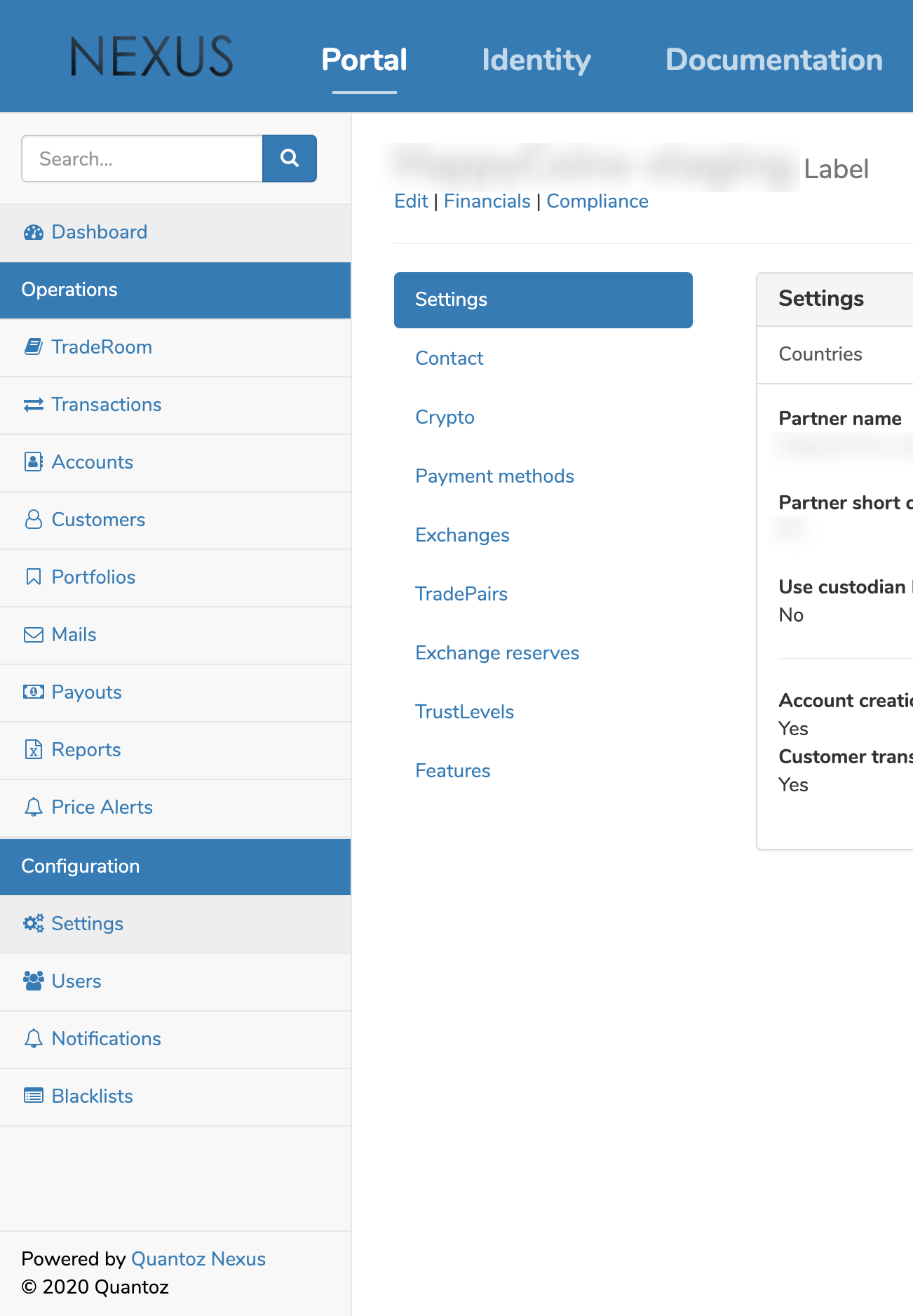
Settings
The Settings tab shows general settings that affect application behavior. Most of these preferences are configured during onboarding and rarely need later changes. Some options are semi-static and managed by Quantoz (for example, available fiat currencies).
To change settings in this view, click Edit in the header of the Settings page.
Contact
This view contains the details of the person in your organization assigned as the main contact for Nexus support. In addition, advanced options are available, such as defining email addresses that receive technical/operational alerts or daily performance reports.
To change settings in this view, click Edit in the header of the Settings page.
Crypto
This section shows an overview of available crypto-currencies. Each crypto-currency can be configured separately. Administrators can set internal reference price and spread parameters, transaction limits, blockchain analysis tools, and mining fees. If you need additional crypto-currencies, contact us and we will help you enable them.
NOTE
If a crypto's hot wallet is managed by Nexus, its details will be shown here.
Payment methods
Payment methods connect fiat and crypto-currency flows. For each crypto-currency/token, you can configure available payment methods for buy and sell operations. You can set delivery security limits, transaction fees, and technical settings such as callback URLs.
Additional options include bank fees (fixed and percentage-based) to cover processor/bank costs, plus a service fee for brokering margin.
For further customization, service fees can be personalized by country, customer tag, or individual customer.
When supplied, the payment method will only be valid for the crypto defined. Similarly, when supplied, the payment method will only be valid for the currency defined.
Exchanges
Exchanges are essential for trading through Nexus. In this section, you can manage existing exchanges and add new ones when needed. For each exchange, you can optionally configure API keys and secrets to use Nexus automation for order creation and transfer management.
In addition to the API key and secret, additional settings can be defined:
- Bitstamp: Owner Id, containing the unique number of the Bitstamp account owner.
- Kraken: in Agreement Info, "Agreed" must be selected to comply with German regulatory processes.
NOTE
Once an exchange is added to the list, it can only be disabled but not deleted.
Tradepairs
In Nexus, tradepairs combine a trading exchange (for example, Bitstamp), a crypto-currency (for example, Bitcoin), and a fiat currency (for example, euro). In this view, you manage which combinations are active and supported by your service.
NOTE
Once a tradepair is added to the list, it can only be disabled but not deleted.
Exchange reserves
This settings section lets administrators define which fiat and crypto-currency reserves Nexus should monitor on specific exchanges. The table also shows the timestamp of the latest reserve update in Nexus (typically less than 30 seconds old).
NOTE
Once an exchange reserve is defined it cannot be removed (only disabled).
Trust levels
Trust levels are a useful compliance and security tool and should be defined according to your business requirements. They are used to limit maximum buy and sell volumes per customer (per day, month, or lifetime) and can be managed by administrators.
For details, see Trust levels.